Bookings in messages
A client writes "is there a place?", you check the schedule and reply. Three times a day.

Online booking for clients
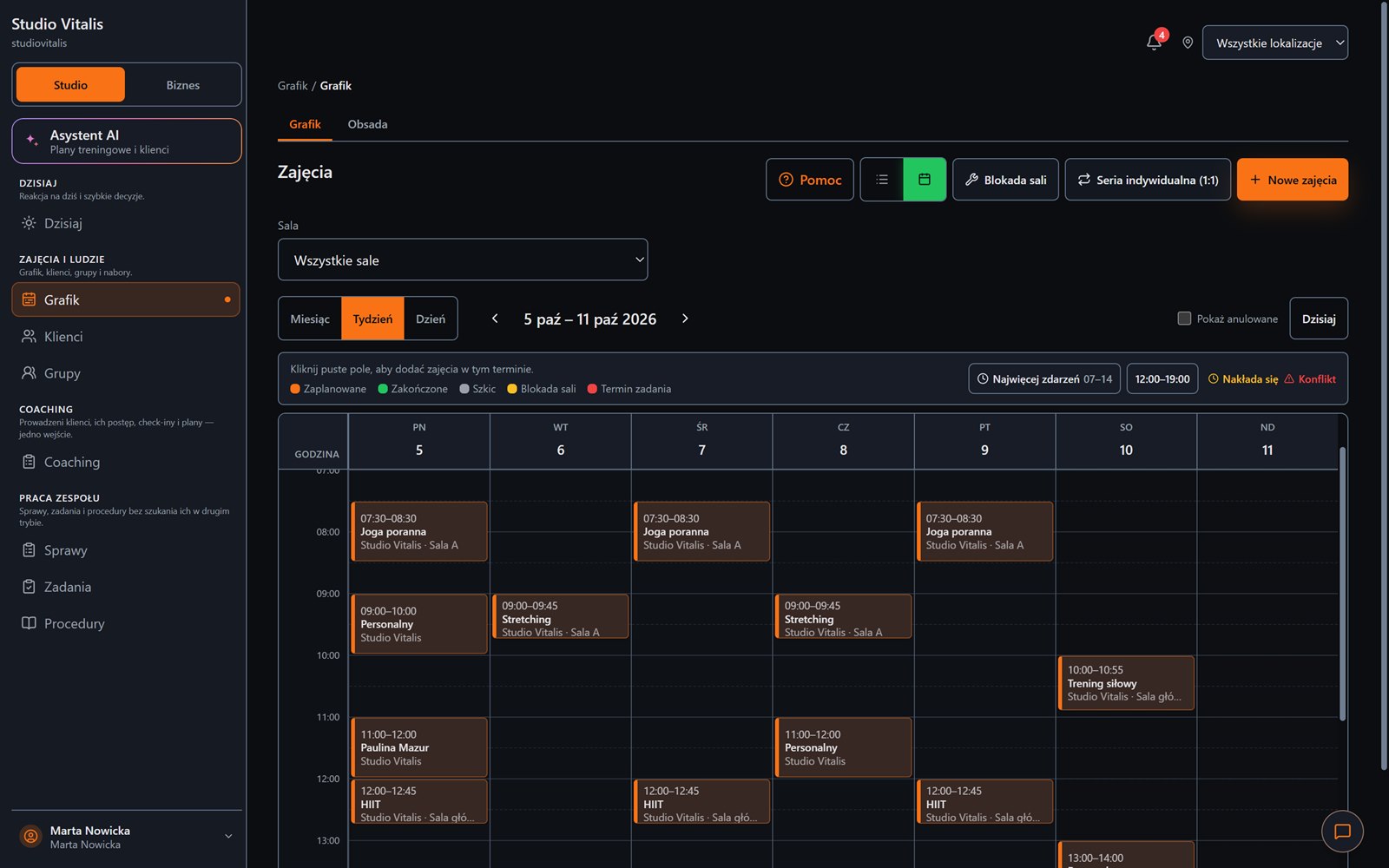
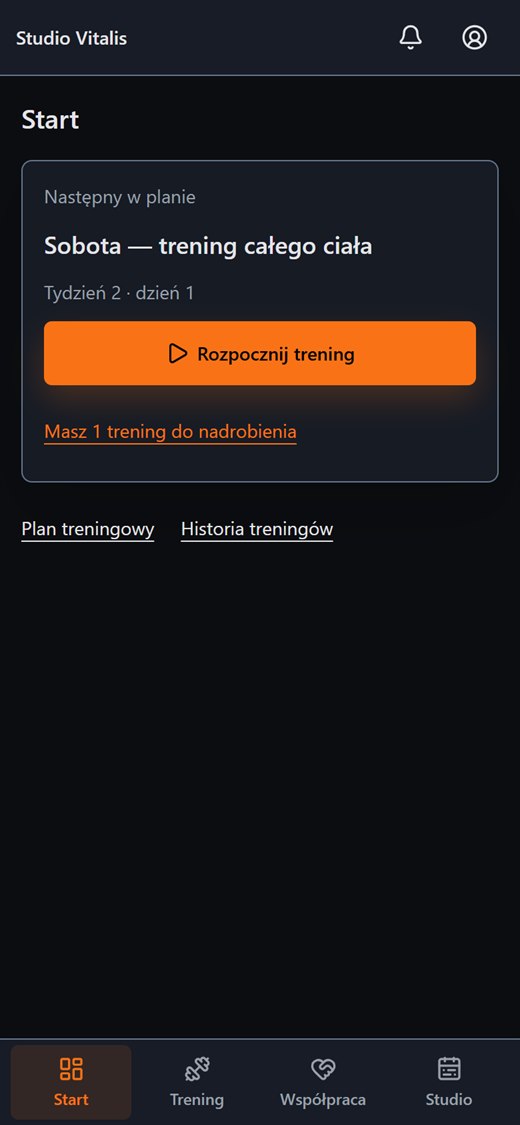
You decide which classes are open to self-booking. The client sees free places, signs up, goes onto a waiting list if needed and can cancel according to your rules.
By default no class is open to self-booking. You open selected sessions, groups or class types. The public enrolment form works independently.
By default nothing is open. You turn it on for a session, a group or a class type.
Everyday friction
A client writes "is there a place?", you check the schedule and reply. Three times a day.
Two people ask for the same place, and the waiting list exists only in the front desk's head.
There are no clear rules, so every cancellation is a separate conversation.
How Create Progress Studio helps
You open a session, a group or a class type to bookings. The rest stays for the team only.
When places run out, a client with a pass joins the waiting list. Leaving it takes one click.
Free cancellation until a set hour. A late cancellation can use up an entry from the pack.
The public enrolment form takes applications, and you handle them in the panel.
Self-booking is meant to relieve the front desk, not to take away your control of the schedule.
Schedule and client panel
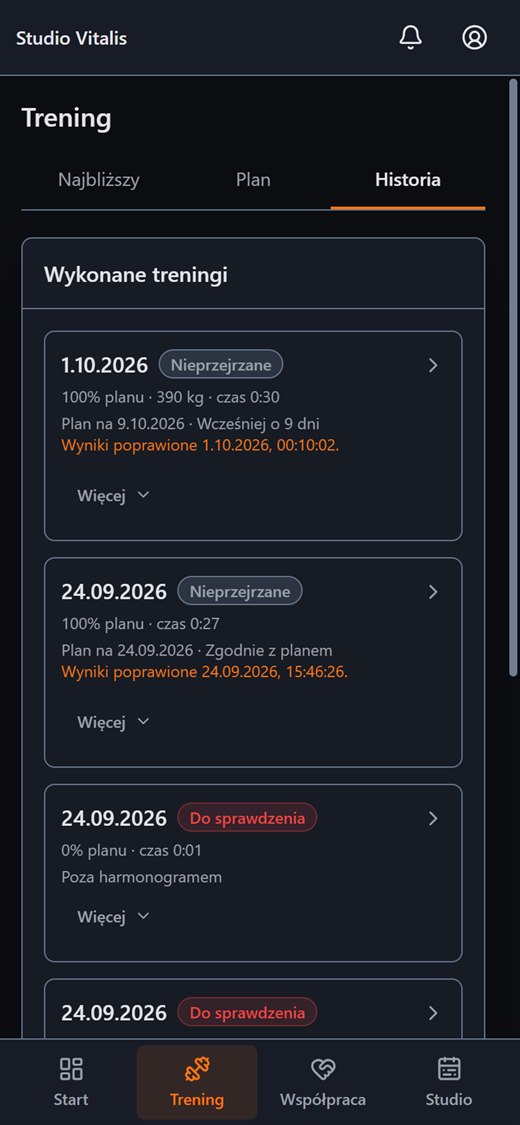
The schedule and the packs stay under your control. The client gets a convenient way to book and cancel.
FAQ
Create an account without a payment card, or message us and tell us how your training runs today.