Groups and levels
Beginners, intermediate, open training and personal training start to overlap in the schedule.

Create Progress Studio for calisthenics
Combine fixed groups, open training, class packs, attendance, exercise plans and client progress. The trainer works on a phone, and the owner sees the whole picture of the studio.
We develop this direction with a working calisthenics studio.
Everyday friction
Beginners, intermediate, open training and personal training start to overlap in the schedule.
You need to check quickly the validity, the number of entries, the specific class type and the attendance history.
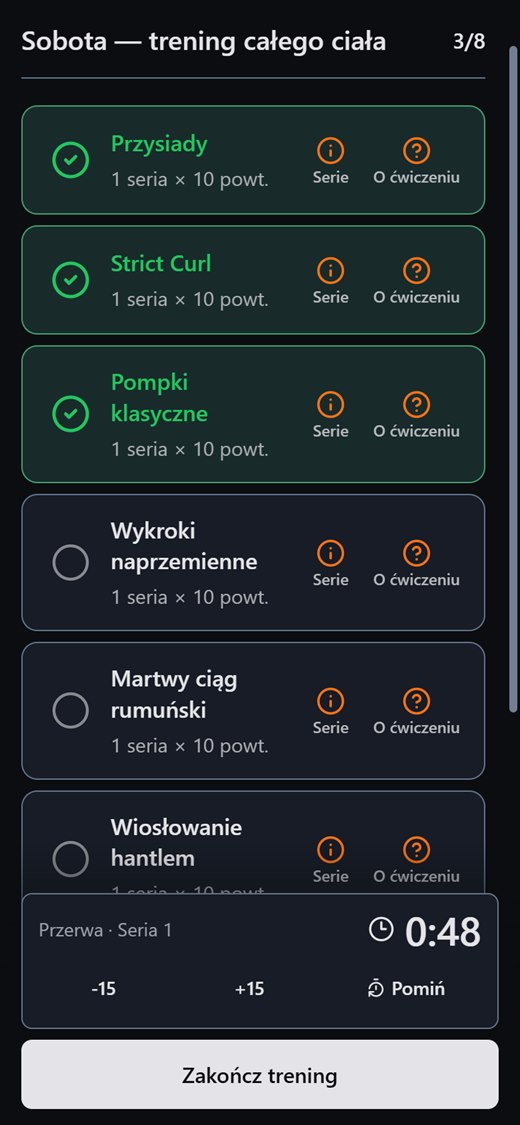
The trainer wants to publish the plan for a specific session and track progress without moving data between apps.
How Create Progress Studio helps
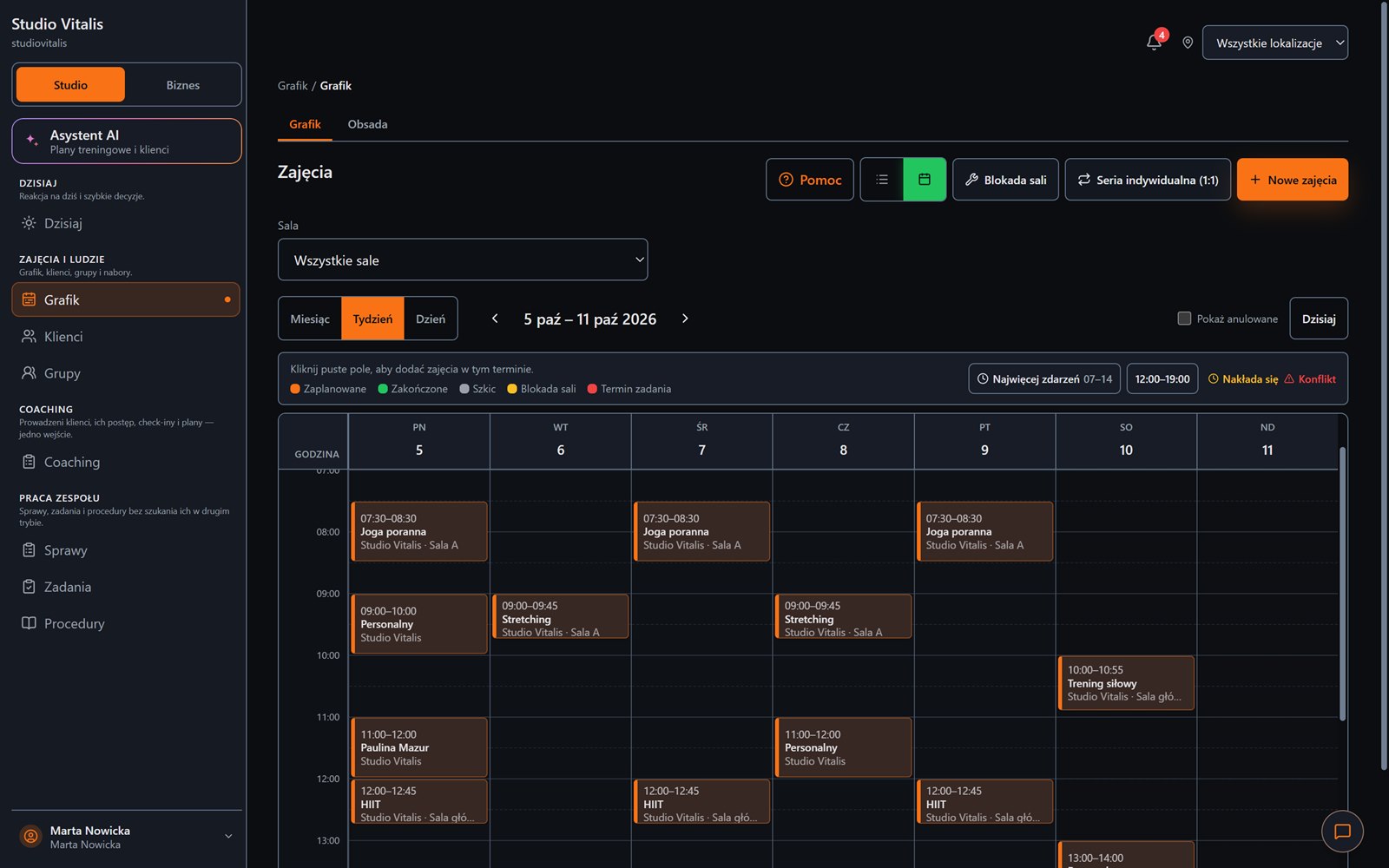
Recurring schedules, capacity limits, locations and conflict detection.
Class packs, validity control, attendance PIN and client history.
A draft and publication of an exercise plan for a specific group date.
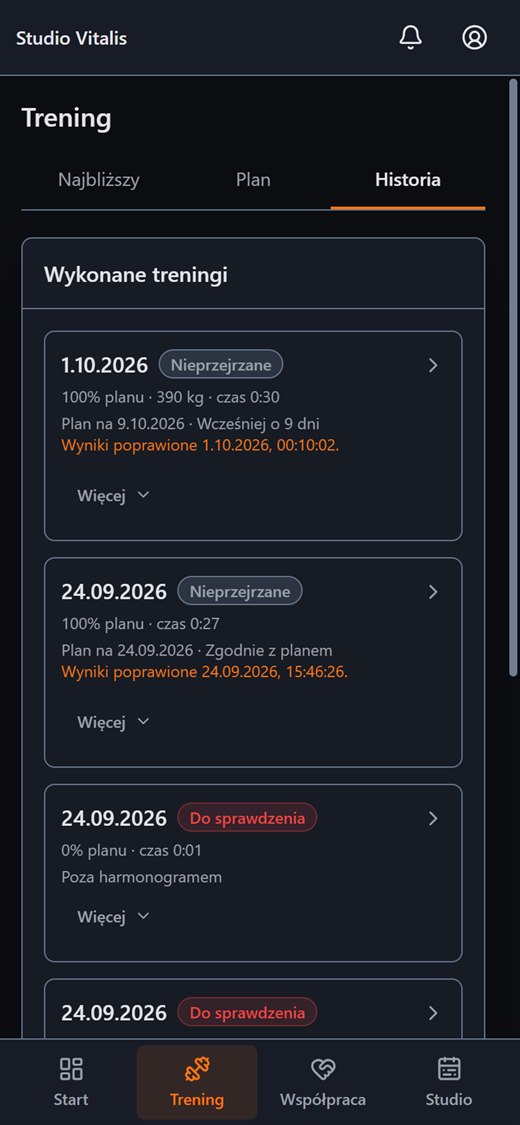
Measurements, programmes, workout completion, check-ins and the trainer's review queue.
It is not about a digital sheet of paper. It is about connecting the schedule, the pass, attendance and the training plan into one process.
Desktop and phone
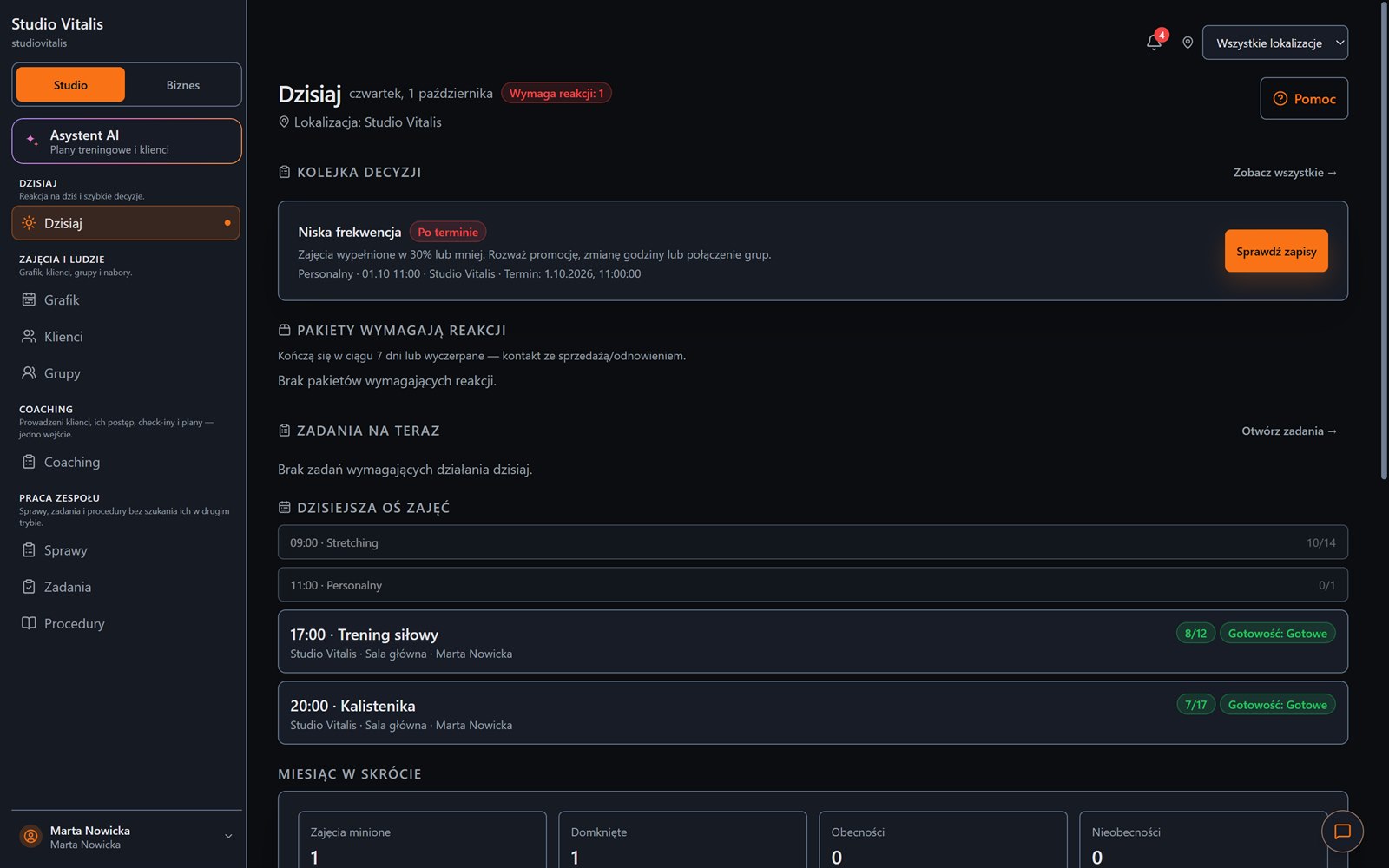
On a computer you plan the week and see what needs a reaction. On a phone your client has their own panel with the plan, the workout and the history.
FAQ
Create an account without a payment card, or message us and tell us how your training runs today.