The plan lives in several places
A PDF, a Word file, a chat message. The client does not have the plan at hand, and you do not know which version they use.

Personal trainers and coaches
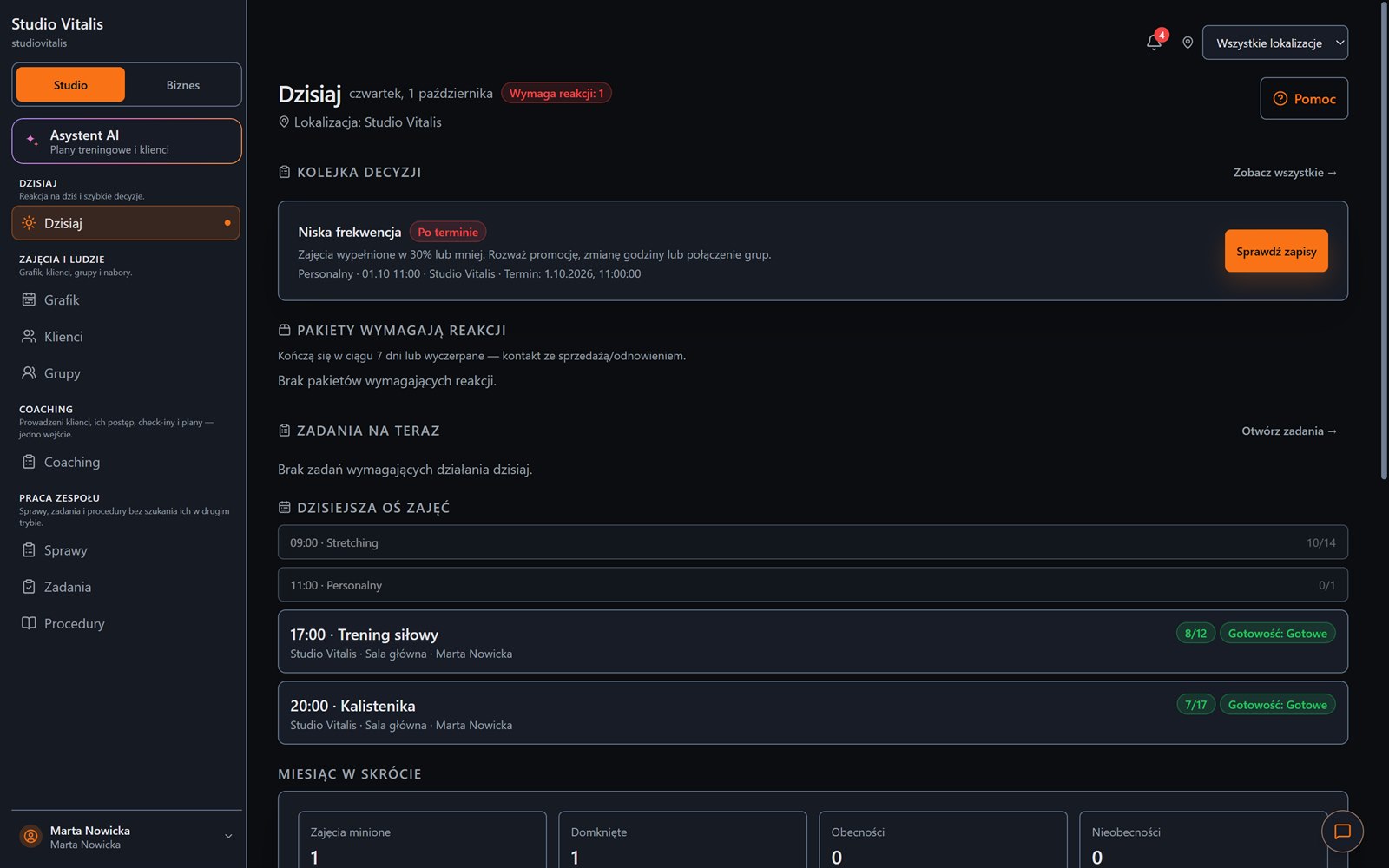
You do not need your own room or a group schedule. You work with clients: you build the plan, the client does it on their phone, and you see what they did, how it went and when they stopped training.
From an exercise template to a discussed workout: one process for the trainer and the client.
Everyday friction
A PDF, a Word file, a chat message. The client does not have the plan at hand, and you do not know which version they use.
You do not know whether the workout happened, how many sets the client did and where they need support.
Who still has entries, who paid, whose pass is ending. You have to remember all of it.
How Create Progress Studio helps
Weeks, days, sets and exercise descriptions. You publish the plan to the client when it is ready.
You upload an existing document and the AI assistant prepares a draft. You review and correct it before saving.
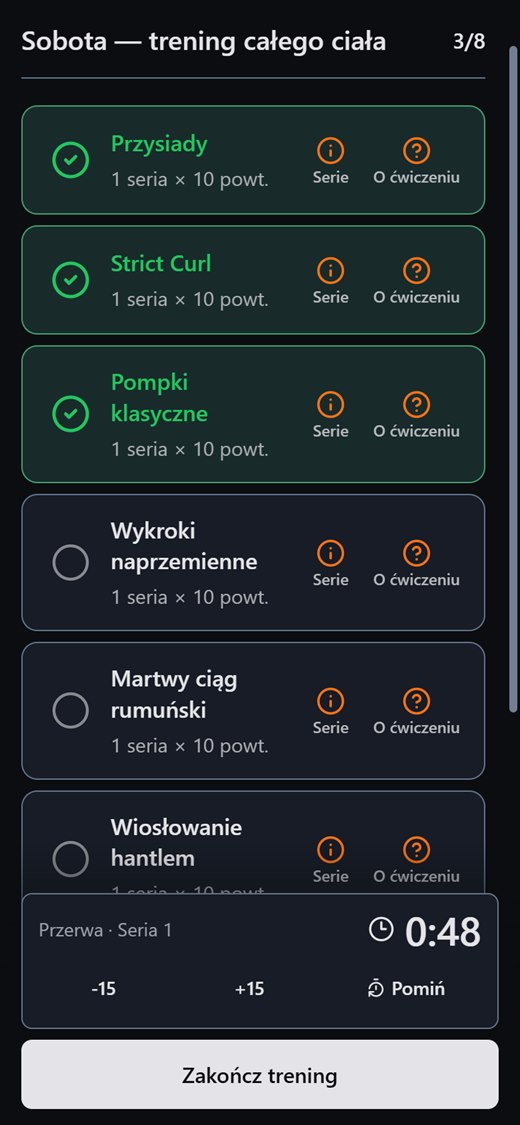
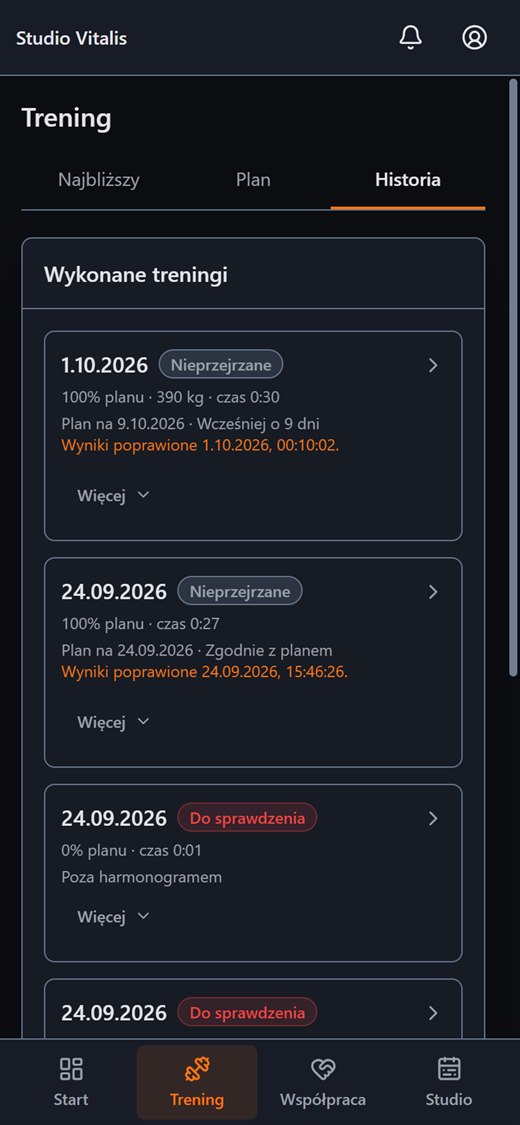
Completed workouts and check-ins land in your queue. A client can add a note to the whole workout.
Class packs, payment status and the client's measurements (with their consent) in one card.
Good coaching is a loop: plan, execution, feedback and the next plan, without guessing.
Two sides of one workout
You build the plan and review completion on a computer. On a phone the client ticks off exercises, logs sets and counts down rests.
FAQ
Create an account without a payment card, or message us and tell us how your training runs today.