Uneven groups
One group has a waiting list, another has free places, and people are moved around by message.

Create Progress Studio for pole dance
Create Progress Studio (CP Studio) organises class cycles, skill levels, room capacity, bookings and renewals. As a result the studio grows without adding manual work for the owner and the instructors.
We adapt ready-made group and recruitment processes to the pole dance studio model.
Everyday friction
One group has a waiting list, another has free places, and people are moved around by message.
Different validity periods, entry counts and booking rules are hard to keep without a consistent history.
Poles, room capacity, group level and an instructor's availability have to meet in one time slot.
How Create Progress Studio helps
Collect interest in a specific level, date and location before you launch a group.
Create fixed groups and generate dates without retyping every week.
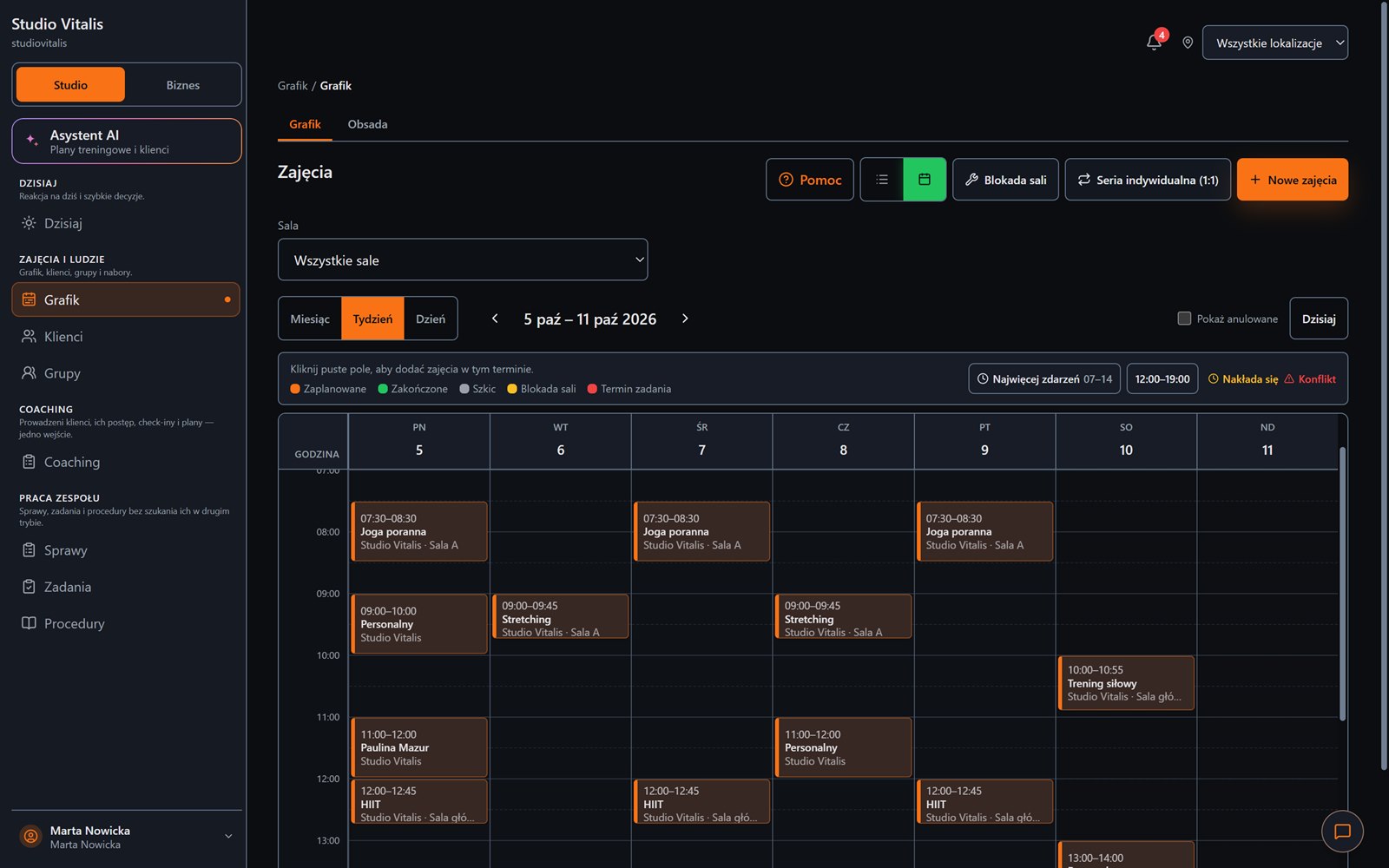
Capacity, the participant list, bookings and attendance are visible on one screen.
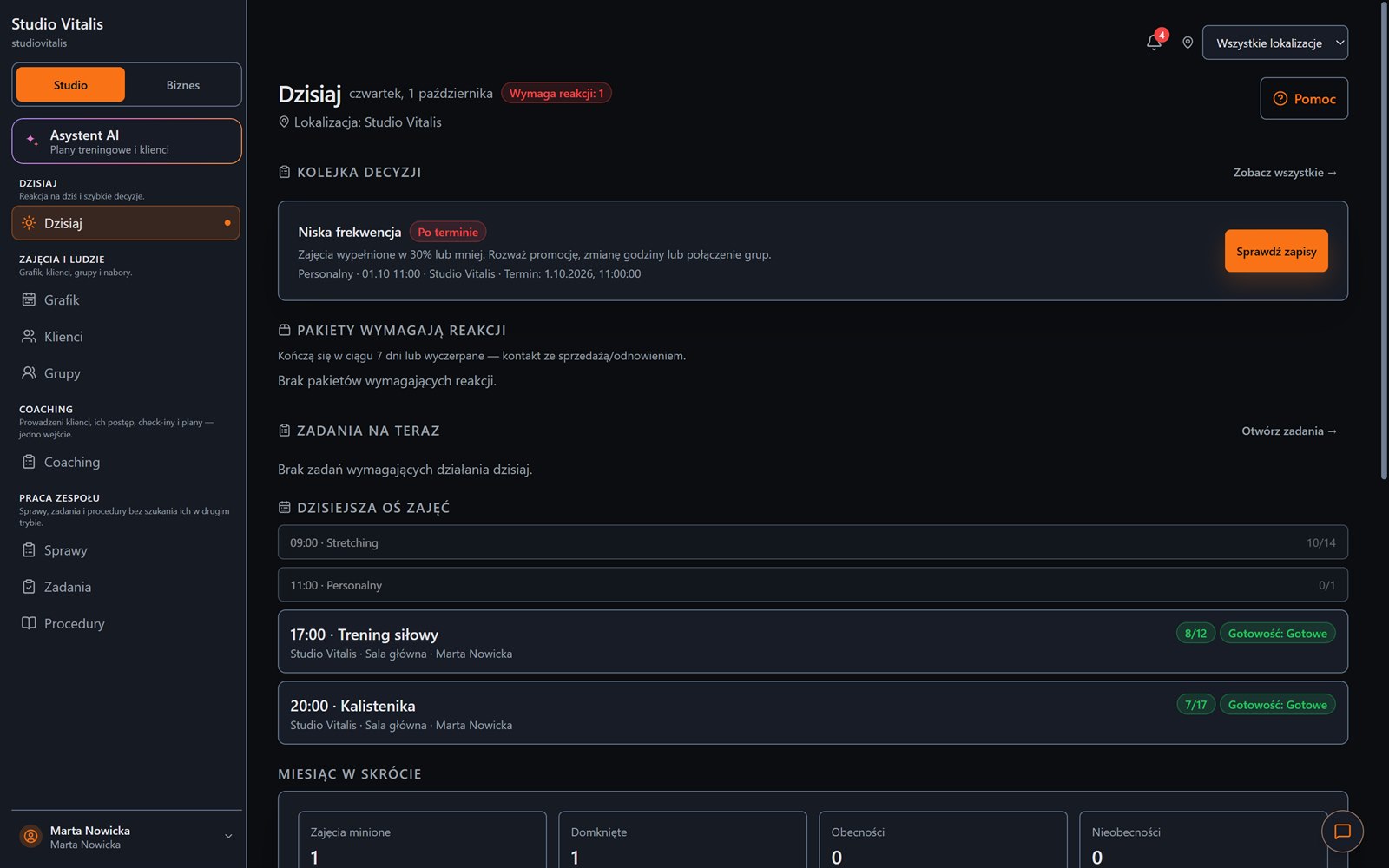
You see receivables, packs that are ending and people who stopped coming regularly.
The best system for pole dance does not start with payments. It starts with the group, the level, the room and the real limit of places.
Desktop and phone
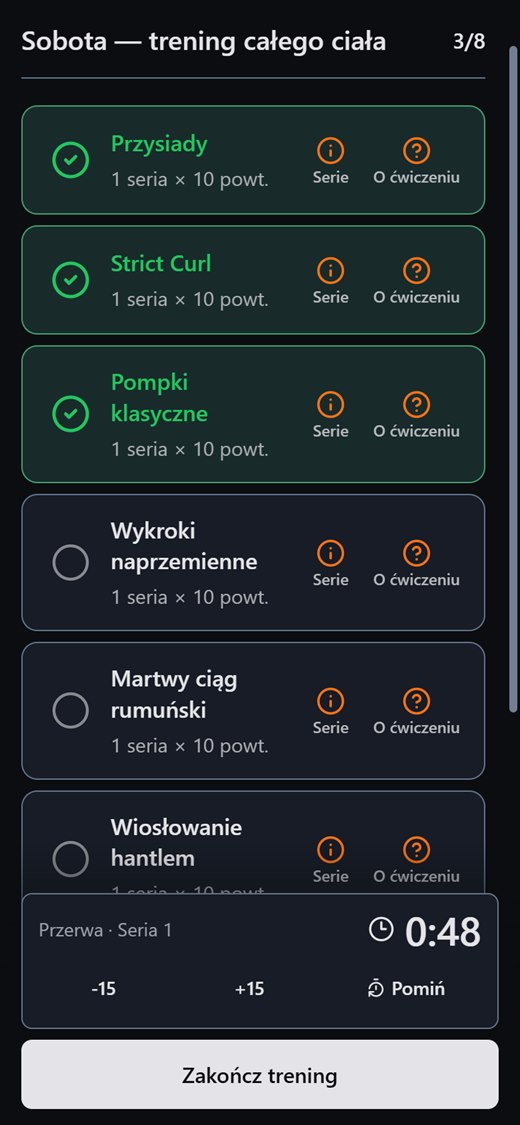
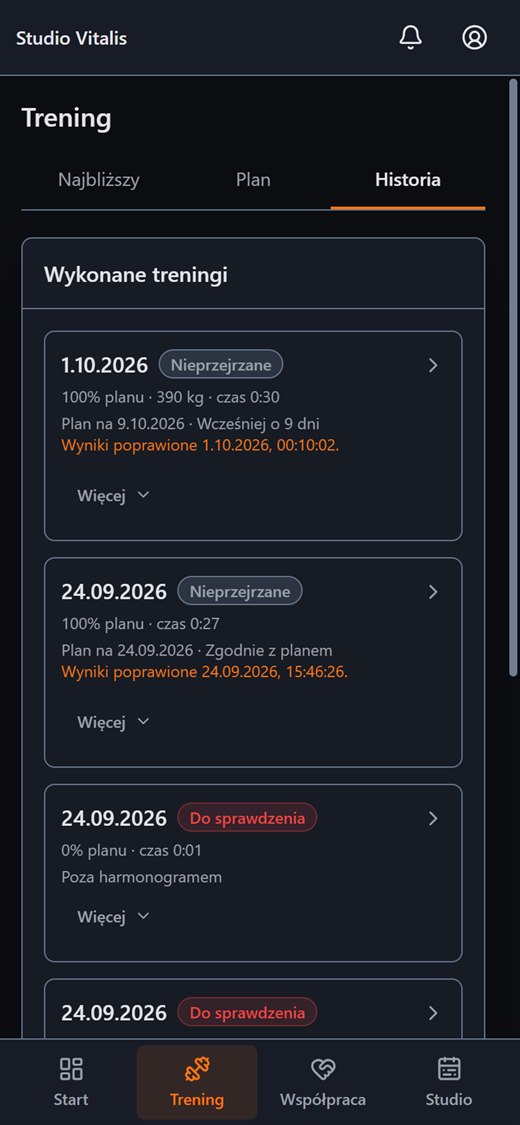
On a computer you plan the week and see what needs a reaction. On a phone your client has their own panel with the plan, the workout and the history.
FAQ
Create an account without a payment card, or message us and tell us how your training runs today.