The plan lives in a file
The file has to be found, opened and scrolled during exercise. It is easy to mix up the week or the day.

Client panel and training
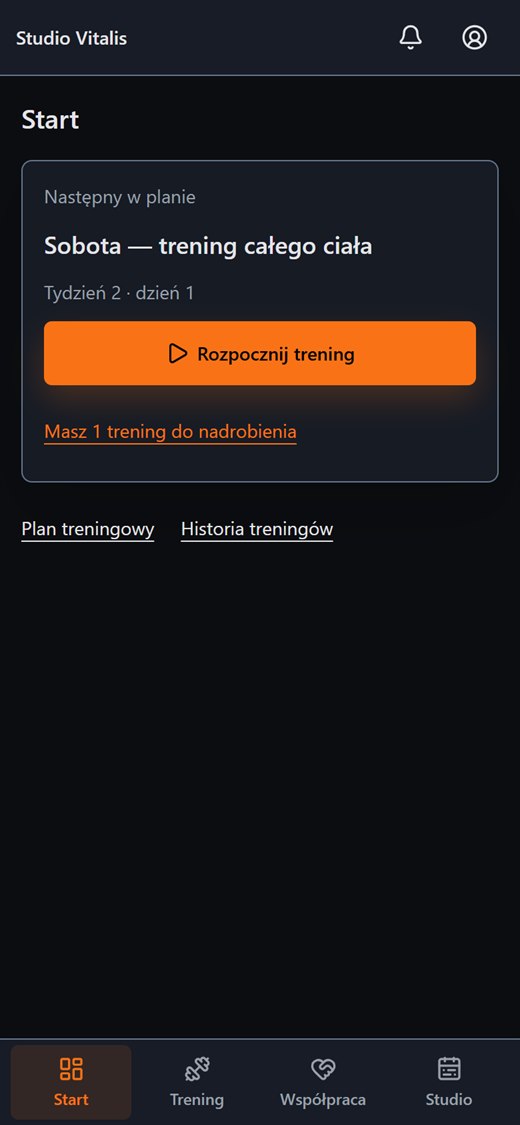
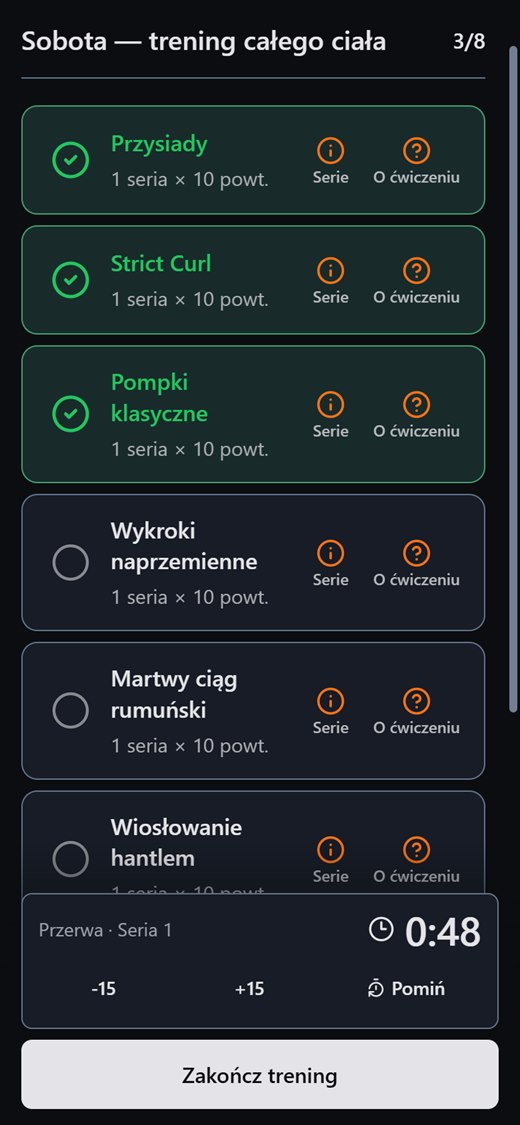
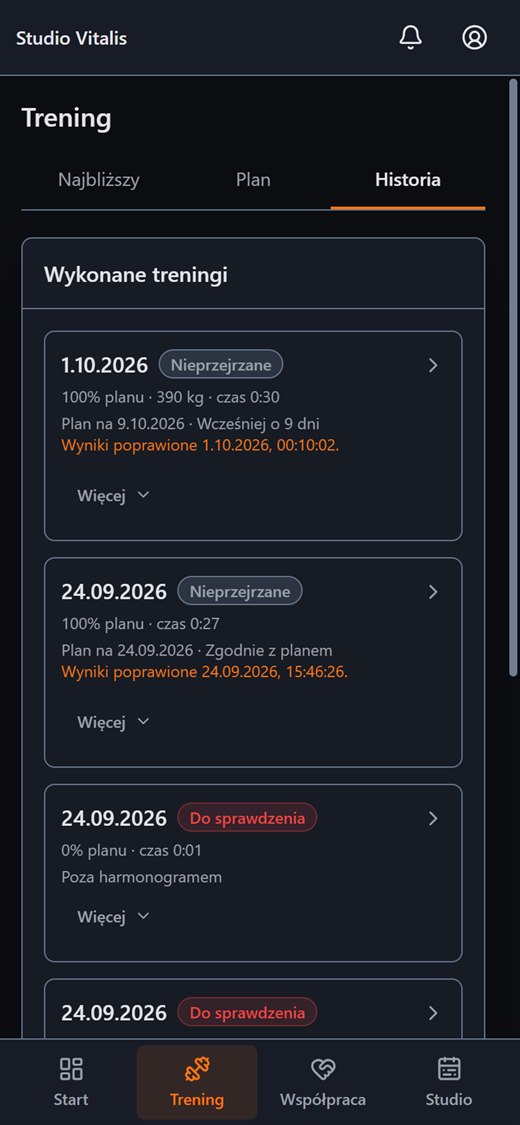
The trainer's plan, the next workout, ticking off exercises, a rest timer and a history of results are in one client panel. A completed workout goes back to the trainer.
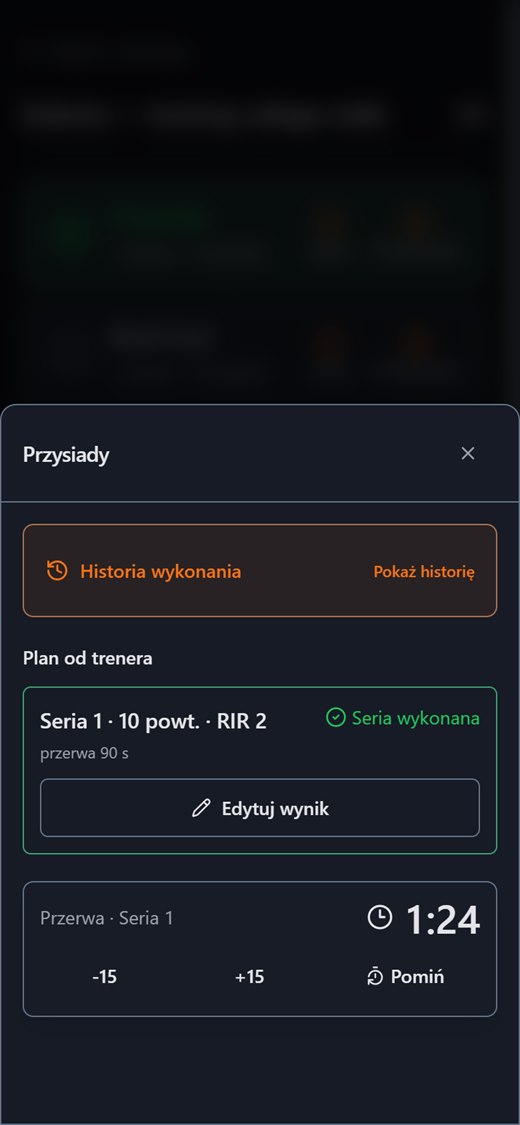
The screenshots come from the working panel with demo data.
Everyday friction
The file has to be found, opened and scrolled during exercise. It is easy to mix up the week or the day.
The client does not remember what they did last time, so the weight rises by accident or not at all.
The workout happened or it did not, but the trainer finds out from a message.
How Create Progress Studio helps
The first screen shows the next workout and leads to starting it. Missed workouts are marked.
A list of exercises with a progress counter, separate sets, a rest countdown and the option to correct a result.
The plan rules from the trainer and swapping an exercise for a planned alternative when the equipment is taken.
A list of completed workouts, body measurements with a chart and consents the client controls themselves.
The best plan is the one the client has at hand when they start exercising.
On both sides
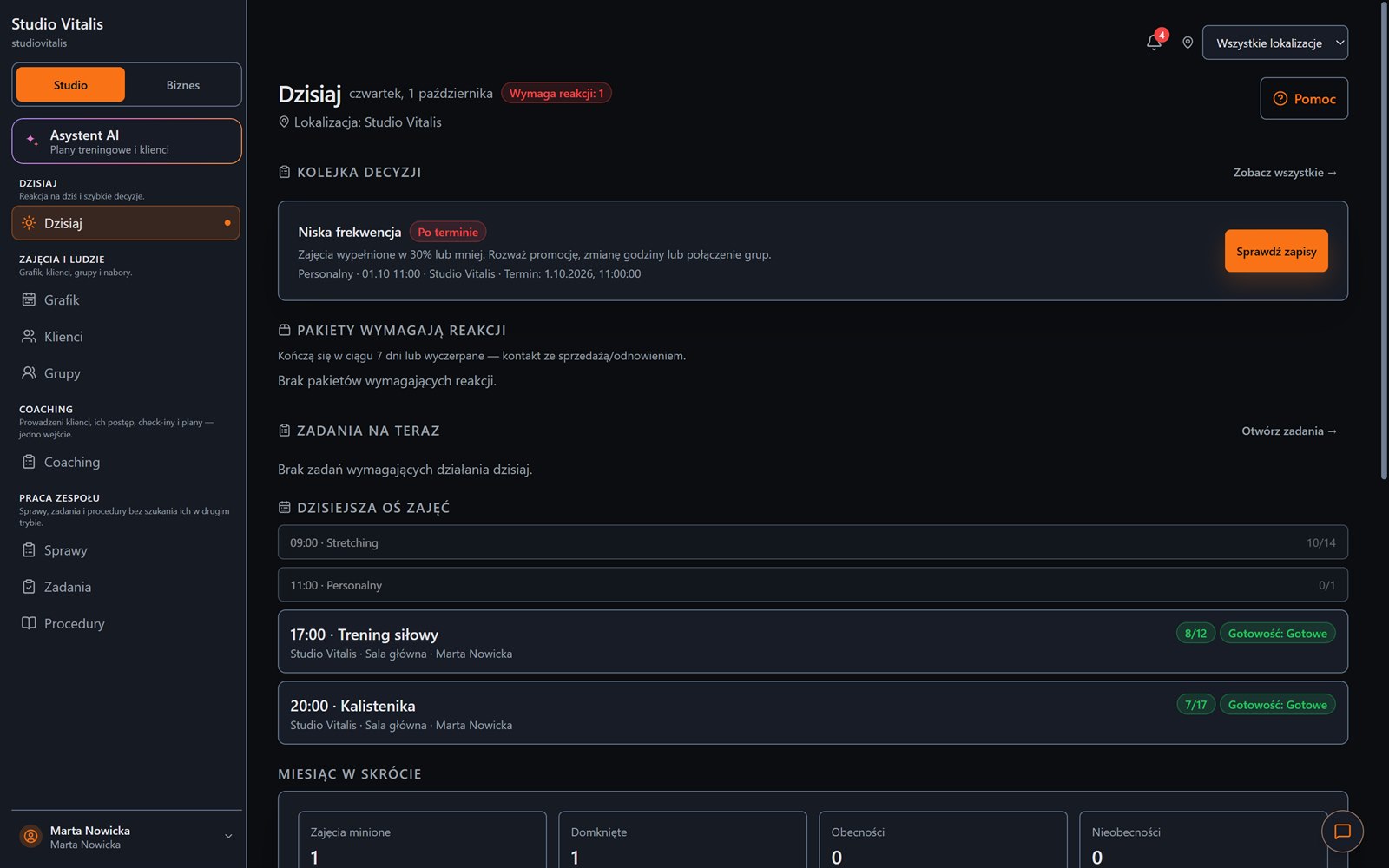
You build the plan on a computer and the client does it on a phone. Completion and notes return to your queue.
FAQ
Create an account without a payment card, or message us and tell us how your training runs today.