Retyping a plan
A plan has a dozen exercises across several weeks. Retyping it into an app by hand takes hours.

AI assistant
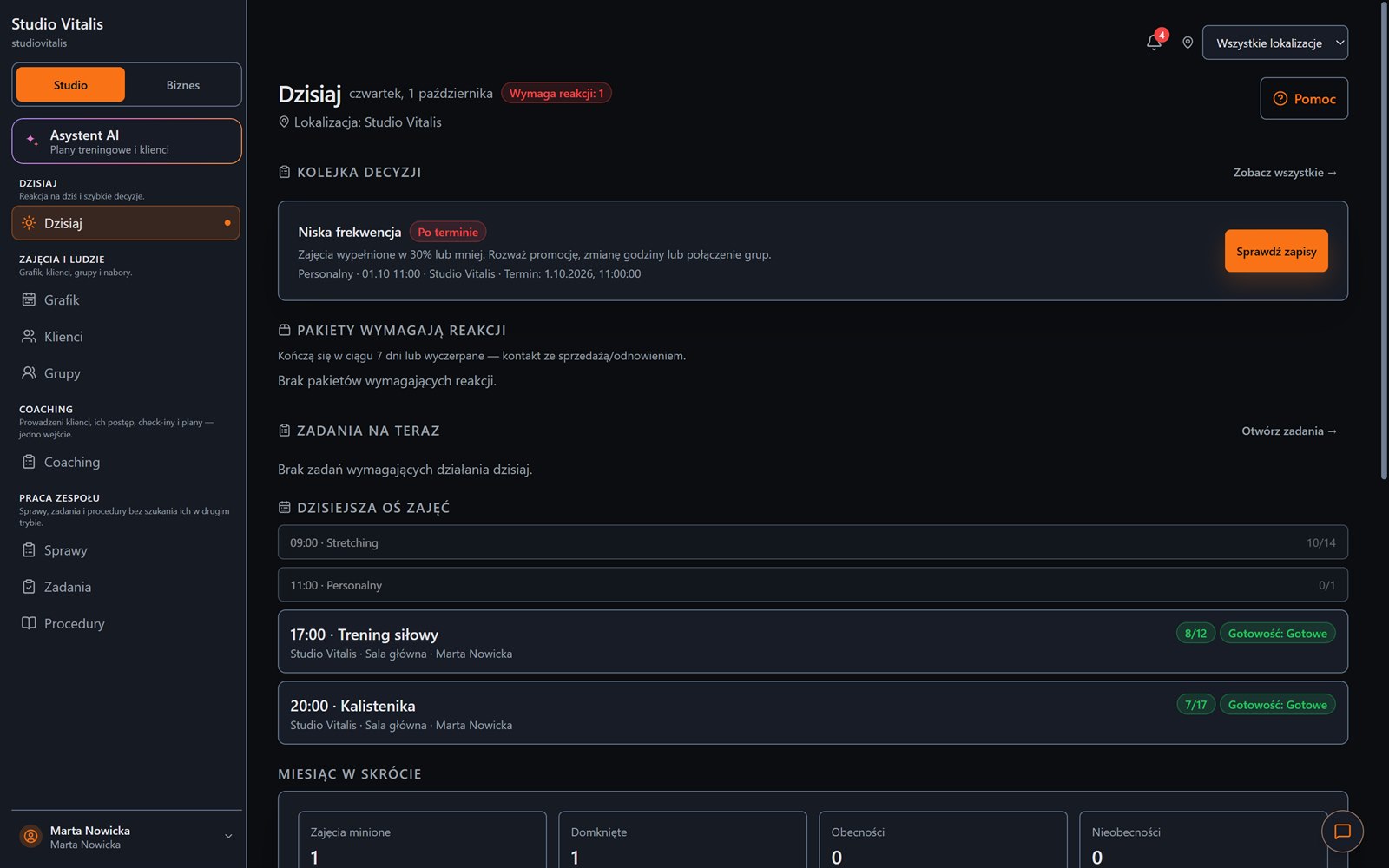
BetaThe assistant reads a plan from a document, a photo or text and prepares a version your client will do on their phone. You review every item. Nothing reaches the database without your consent.
This feature is in beta. You turn it on in the panel after accepting the updated documents (terms, privacy policy and the data processing agreement).
The assistant prepares a proposal, and a person does the saving.
Everyday friction
A plan has a dozen exercises across several weeks. Retyping it into an app by hand takes hours.
The document exists, but you cannot use it in the app without retyping.
Entering a list of clients from a spreadsheet one item at a time.
How Create Progress Studio helps
The assistant recognises weeks, days, exercises, sets and the trainer's notes, and code calculates the progression.
Rework an existing plan or add the next block, keeping the rules and the week labels.
A draft of client cards to review, without inventing missing data.
The import review shows what was recognised and what was not. Saving happens only after you click.
A good AI tool does not replace the trainer. It saves them retyping.
From a document to a workout
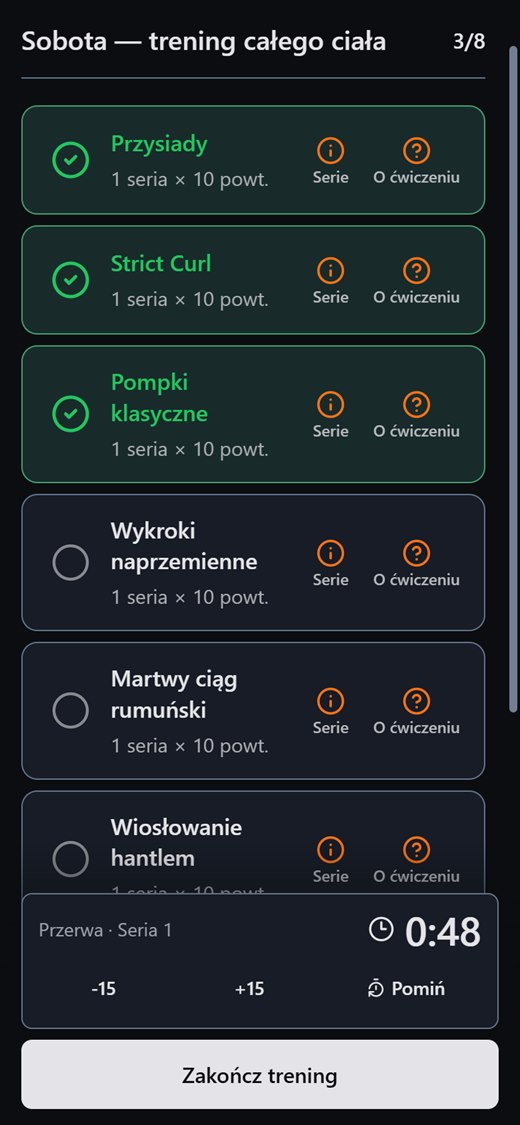
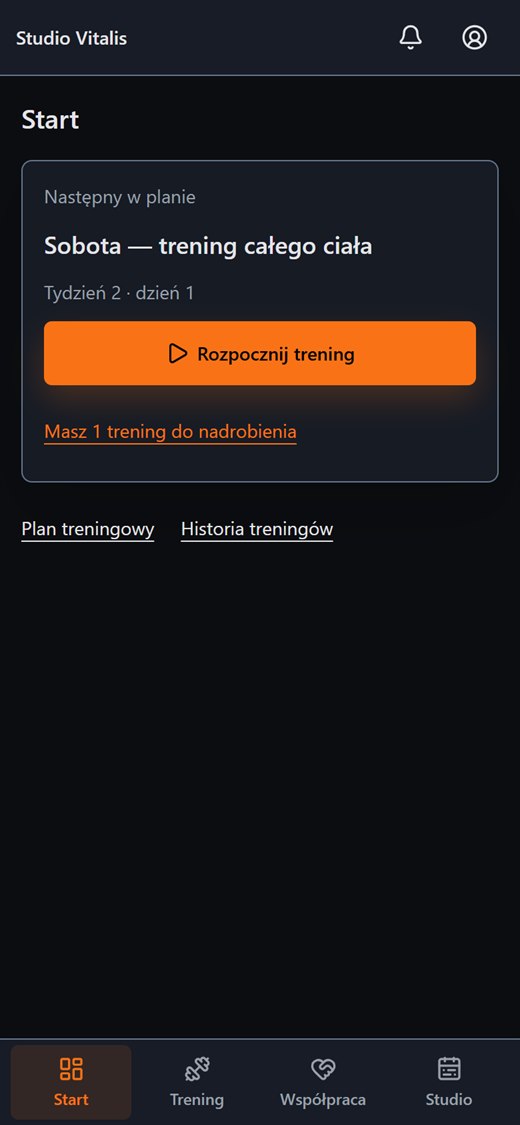
A draft from the assistant, after your review, goes into the client's plan. The client does it like any other plan.
FAQ
Create an account without a payment card, or message us and tell us how your training runs today.