Split schedules
Each location has its own spreadsheet, so it is hard to see conflicts and the occupancy of the whole studio.

Locations and rooms
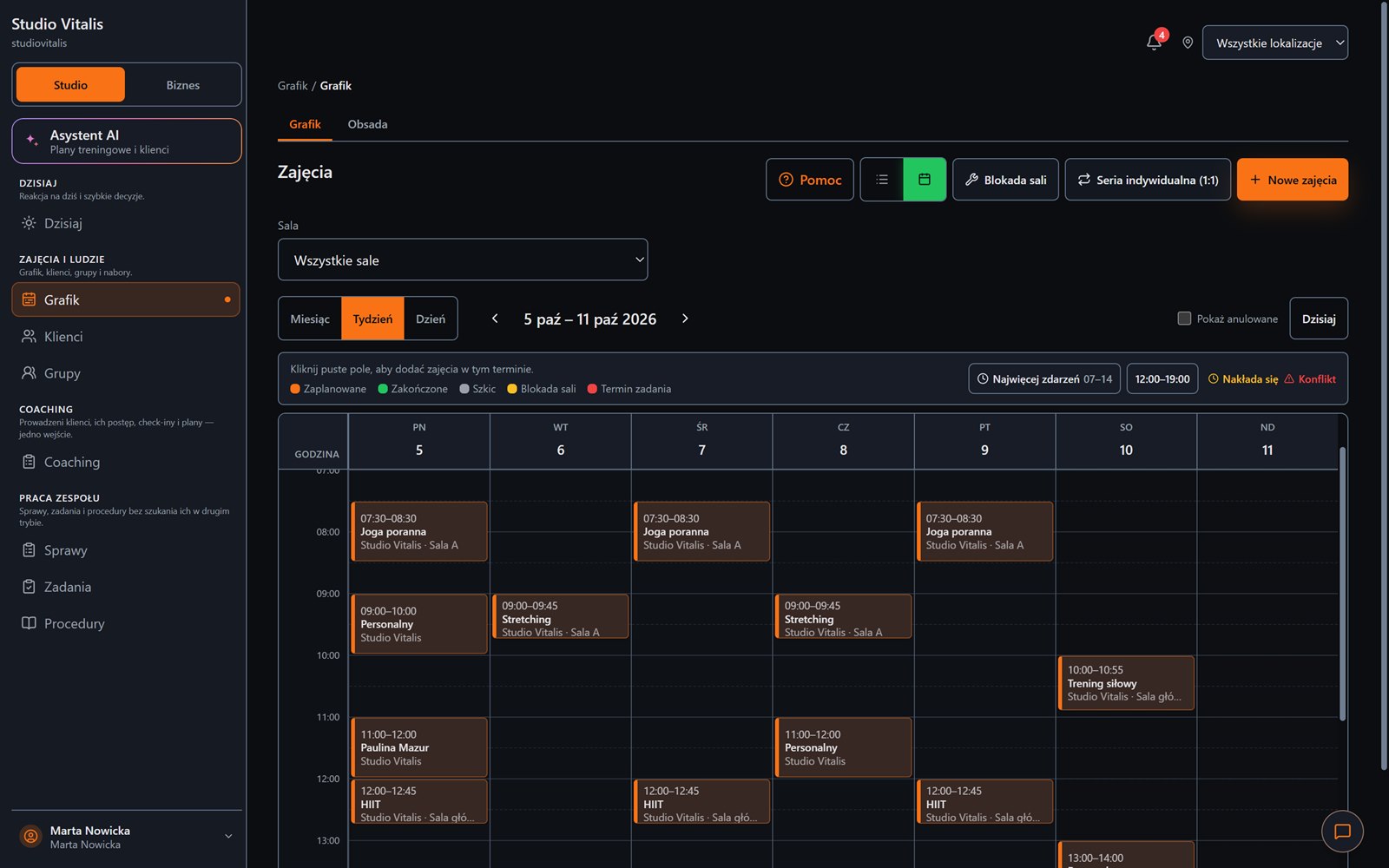
Assign classes to locations and rooms, filter the schedule, and control capacity and conflicts. You grow the studio without multiplying separate systems.
One client history and one picture of finance for all the places where you run classes.
Everyday friction
Each location has its own spreadsheet, so it is hard to see conflicts and the occupancy of the whole studio.
A client trains in different places, but their pack and history are kept separately.
You do not know which room and location earns and which only generates costs.
How Create Progress Studio helps
Create places, assign capacity and use them in the schedule and in bookings.
Switch the view by place, trainer, group or class type.
The client, pack, attendance and payment stay in one card regardless of the room.
Reports and summaries help you assess where the studio does best.
Opening a second location is easier when you do not have to build a second version of the whole studio.
Desktop and phone
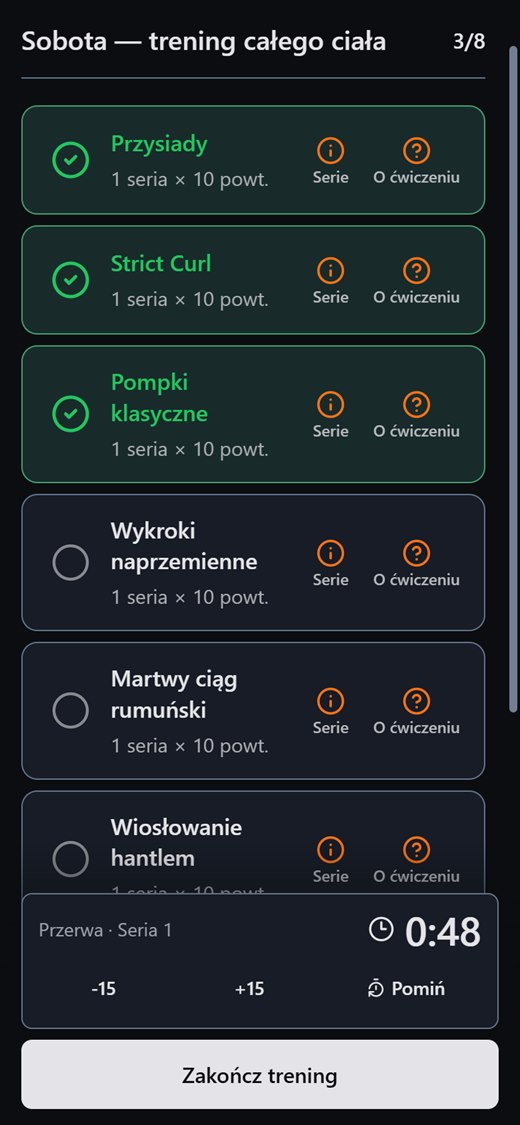
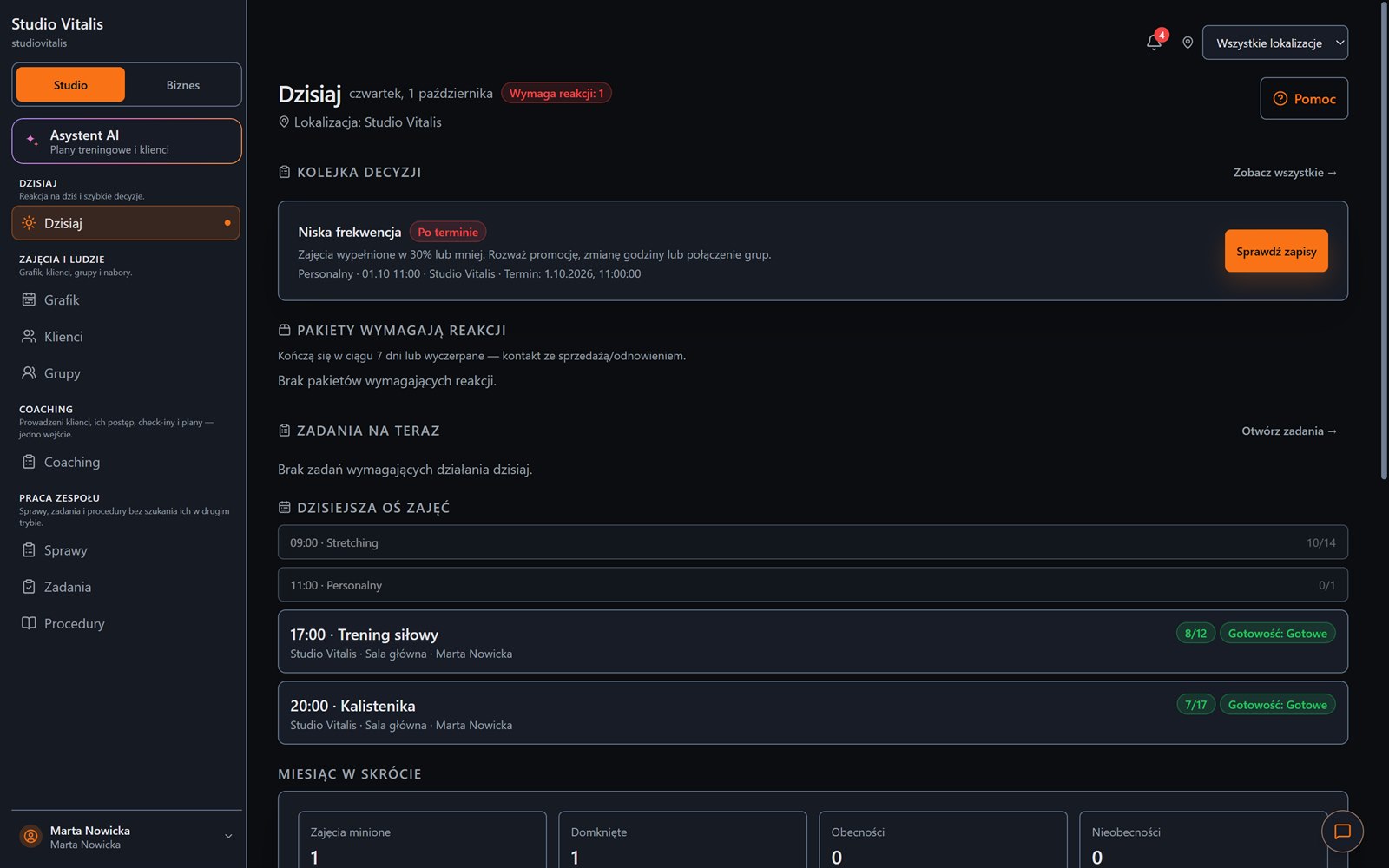
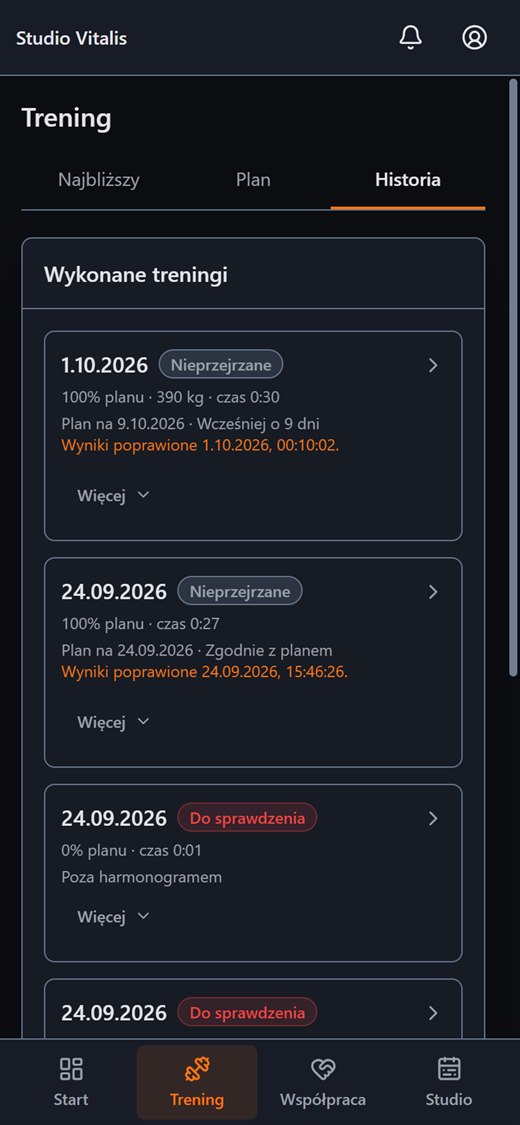
On a computer you plan the week and see what needs a reaction. On a phone your client has their own panel with the plan, the workout and the history.
FAQ
Create an account without a payment card, or message us and tell us how your training runs today.